

Workplace Intelligence · Live tool
Hybrid Work Scheduler
A browser-based optimisation engine that turns seat counts, teams and collaboration rules into the best possible weekly office schedule.
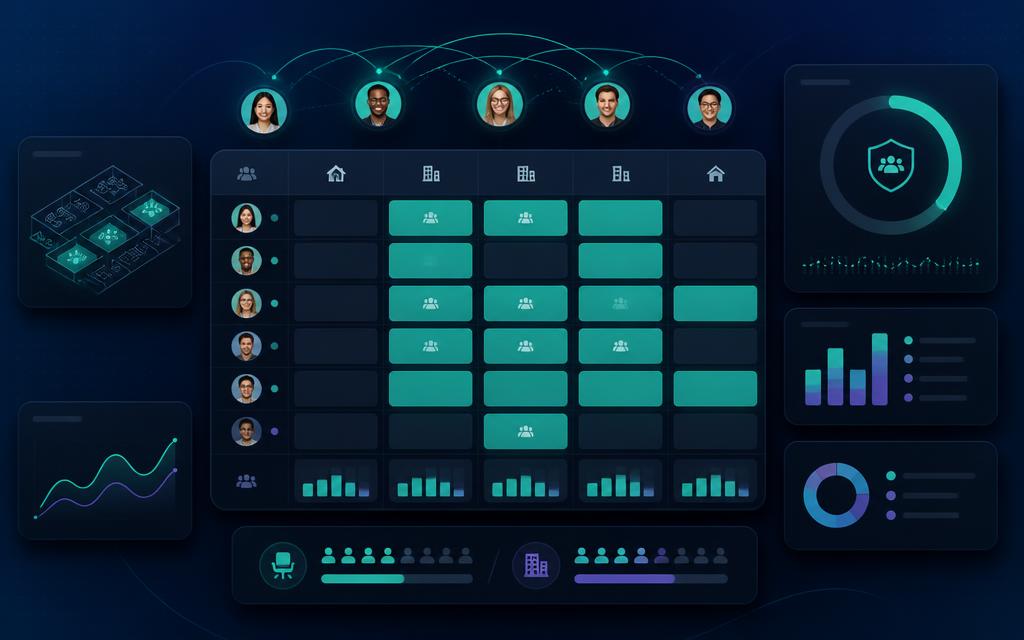
Problem it solves
Scheduling a dozen teams against a fixed seat count and competing collaboration needs is a combinatorial problem people try to solve in spreadsheets — and lose.
The Hybrid Work Policy Maker and Scheduler answers one high-stakes question: given our seats, our teams, and how those teams need to collaborate, what is the best weekly office schedule? It matches teams to days so synergy pairs share time, seat capacity is never exceeded, every team hits its minimum days without inflating beyond what is required, and the weekly load stays smooth.
It is a single self-contained HTML file — no backend, no database, no login. The solver runs in parallel Web Workers using simulated annealing with four mutation types (toggle, swap, trim-to-floor, reset), so you can watch the search converge live in a solver theatre while the UI stays responsive. Iteration depth scales with team and synergy count, from ~18,000 for a small scenario to 100,000+ for a complex one.
Every candidate is scored against a weighted objective: seat overflow and Must-synergy misses carry the heaviest penalties, with lighter terms for Should/Good misses, minimum-day misses, excess office days and day-to-day load variance. A feasibility cliff means any feasible plan always beats a highly optimised infeasible one.
The raw score is translated into a human-readable Trust Score across four dimensions — Seat Fit (30%), Synergy Fit (25%), Attendance Fit (20%) and Balance Fit (25%) — with adjustable weights that re-rank every option without re-solving.
Synergy rules can be symmetric or directional, entered in-app via a colour-coded matrix, as linear Excel rows, or through a 20x20 short-code grid with live conditional formatting. Frequency is built from count x cadence x criticality and converted to a weekly equivalent.
Results group structurally distinct solutions (not a fixed count), with near-clones folded in as variations, three analytical tabs — Executive Insights, Intelligence Graph and Work Calendar — plus Excel, CSV and PDF exports, autosave, saved sessions and up to 10 named snapshots.
AI assistance is optional and off by default: bring your own Anthropic, Gemini or Grok key to describe your org in plain English, seed the solver with a couple of promising starting points, or generate explanations, comparisons and draft comms. The search itself always stays local — an LLM scores nothing.